
 Code of Conduct
 Ethical Mgmt
 Speak-up Culture
 Latin America
 Asia Pacific
 FX Global Code
 Financial Services
 North America
 Europe
 Middle East
 MSBs
MSBs FinTech
 Insurance
 Investing
 Casinos
 Retail Banks
 Manufacturing
 U.S. National
 Canada
 California
 New York
 Illinois
 Connecticut
 Maine
Maine Delaware
 Retail
 Warehouse
 Healthcare
 Animated
 Billing & Revenue
 IT & Admins
 Leadership
 Ontario
 British Columbia
 UK Induction
 Australia & NZ
 Workplace Violence Prevention
 Canada
 Italy
Italy Active Shooter
 AI & Workplace
 Corporate Ethics
 Whistleblower
 Gvmt Contracting
 Export Controls
UK Ergonomics Training
- Included with Workplace Safety course
- AI authoring tools for easy customization
- Additional languages available
- Meets accessibility standards
- Auto-save training, mobile-friendly
- Deliver on Ethena or your LMS (SCORM)

Course Summary
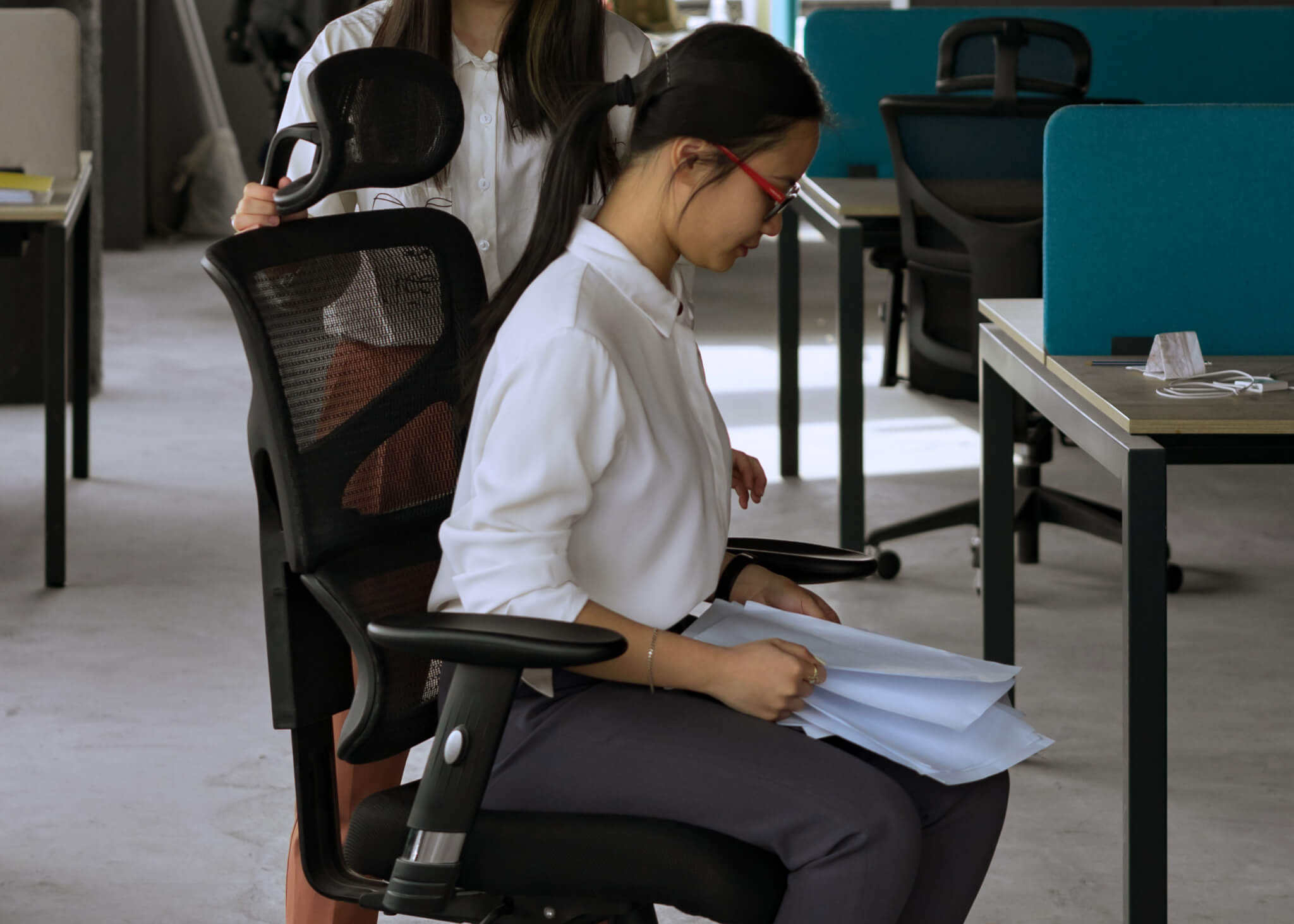
Prioritize wellbeing and productivity by giving your team essential ergonomics training, tailored for UK workplace standards. This brief training shows employees how to set up workstations properly, adjust chairs, screens, and keyboards, and adopt healthy posture habits to prevent strain or injury. Delivered in a crisp, accessible format, it helps you reduce workplace discomfort, decrease absenteeism, and demonstrate a genuine commitment to employee health.
Included Modules:
Introduction
Sets out why display screen ergonomics matter and how the Health and Safety (Display Screen Equipment) Regulations 1992 protect UK workers who use screens daily.
Your Workstation, Your Wellbeing
Explains how poorly arranged desks, chairs and screens cause discomfort, and why the DSE Regulations make assessing your workstation an employer duty.
The Perfect Setup
Walks through adjusting your chair, screen, keyboard and desk to a neutral, comfortable posture that meets HSE display screen equipment guidance.
Breaks and Eye Care
Covers the DSE Regulations’ rights to regular screen breaks and to employer-funded eye tests, helping you reduce fatigue and protect your eyesight.
Preventing Upper Limb Disorders
Shows how repetitive screen work can cause RSI and upper limb disorders, and the posture and habit changes the HSE recommends to prevent them.
Beyond the Desk
Applies DSE good practice to laptops, hot-desking and home working, so your setup stays safe and comfortable wherever you happen to work.
Putting It All Together
Brings the course together with practical steps to assess your own workstation and uphold your shared responsibilities under the DSE Regulations 1992.









Learning and compliance with AI at the core
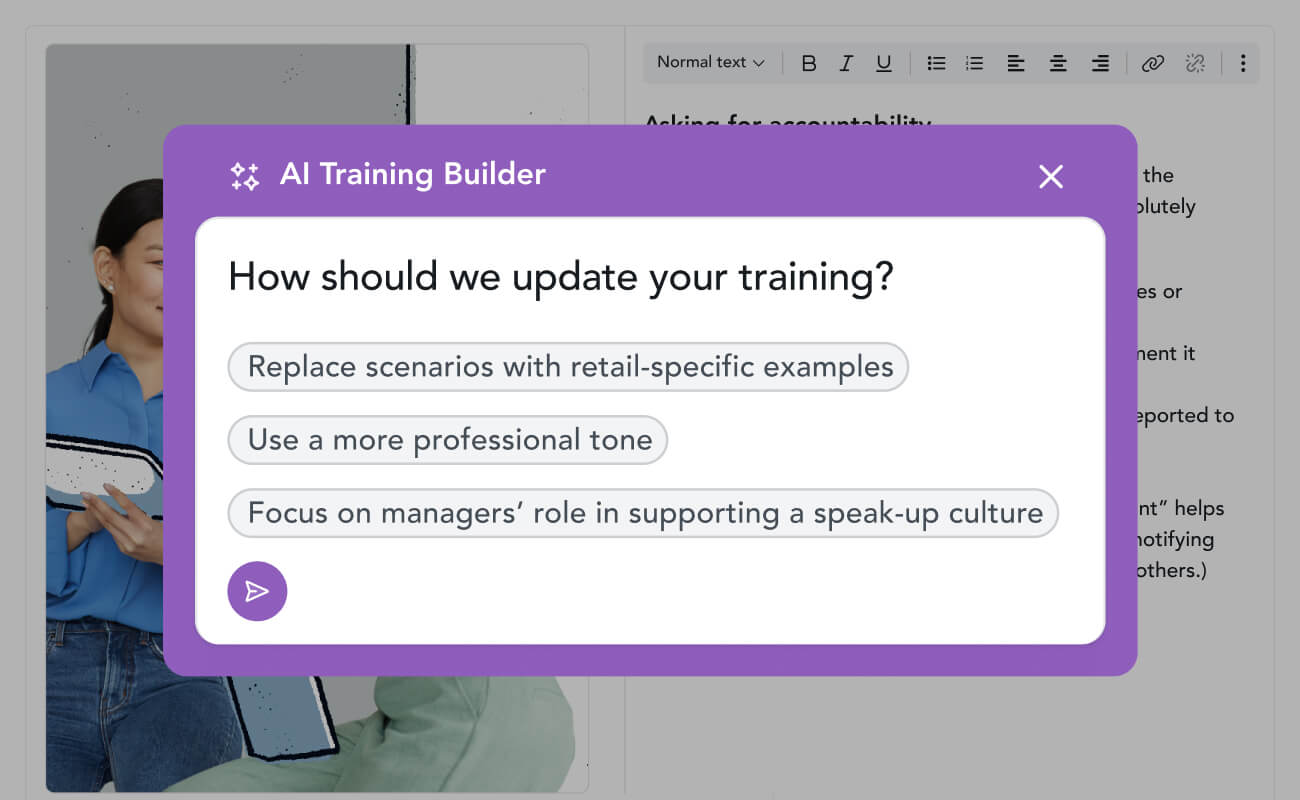
Your training copilot
Built-in AI uses your policies and prompts to customize Ethena’s top-rated content painlessly, while controls keep you compliant.
AI authoring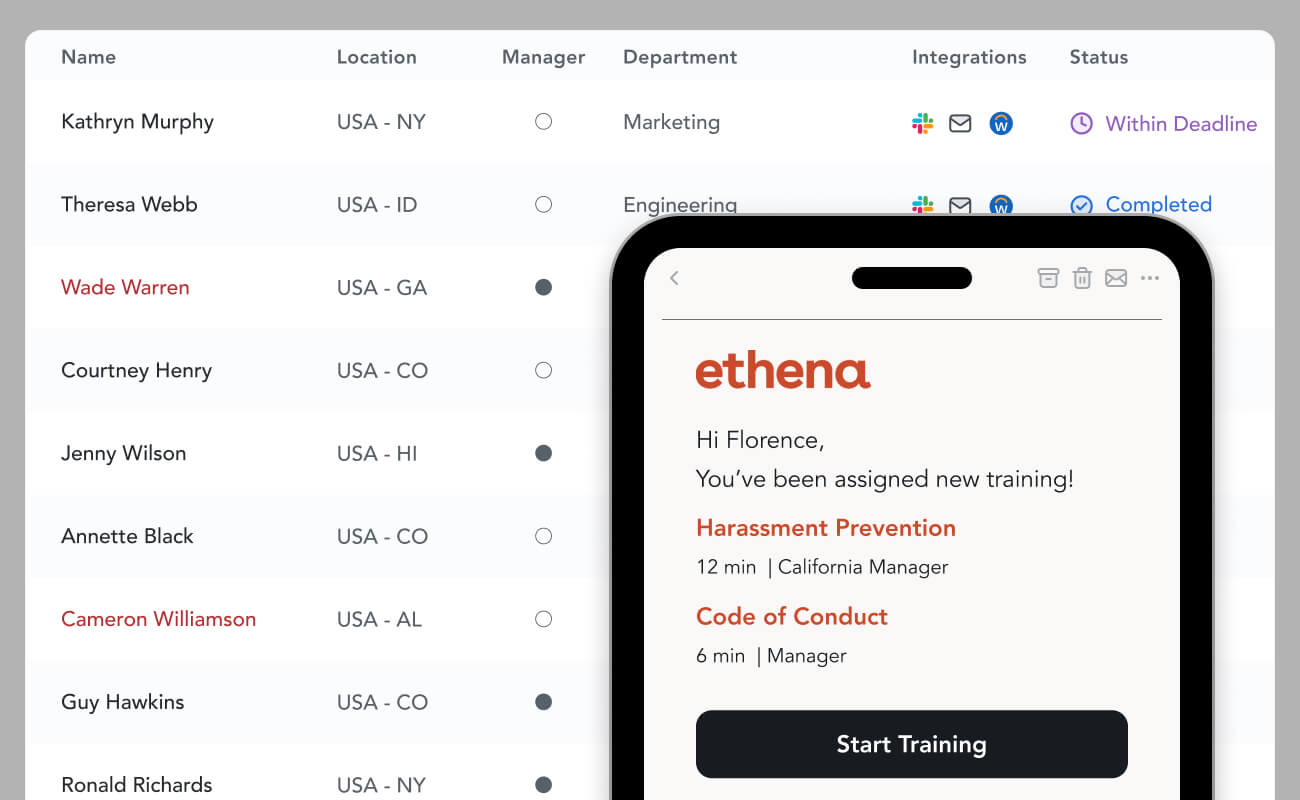
Assignments automated
Sync HRIS data to automatically deliver the right training to the right learners with automatic reminders. No more spreadsheets.
Assignment automation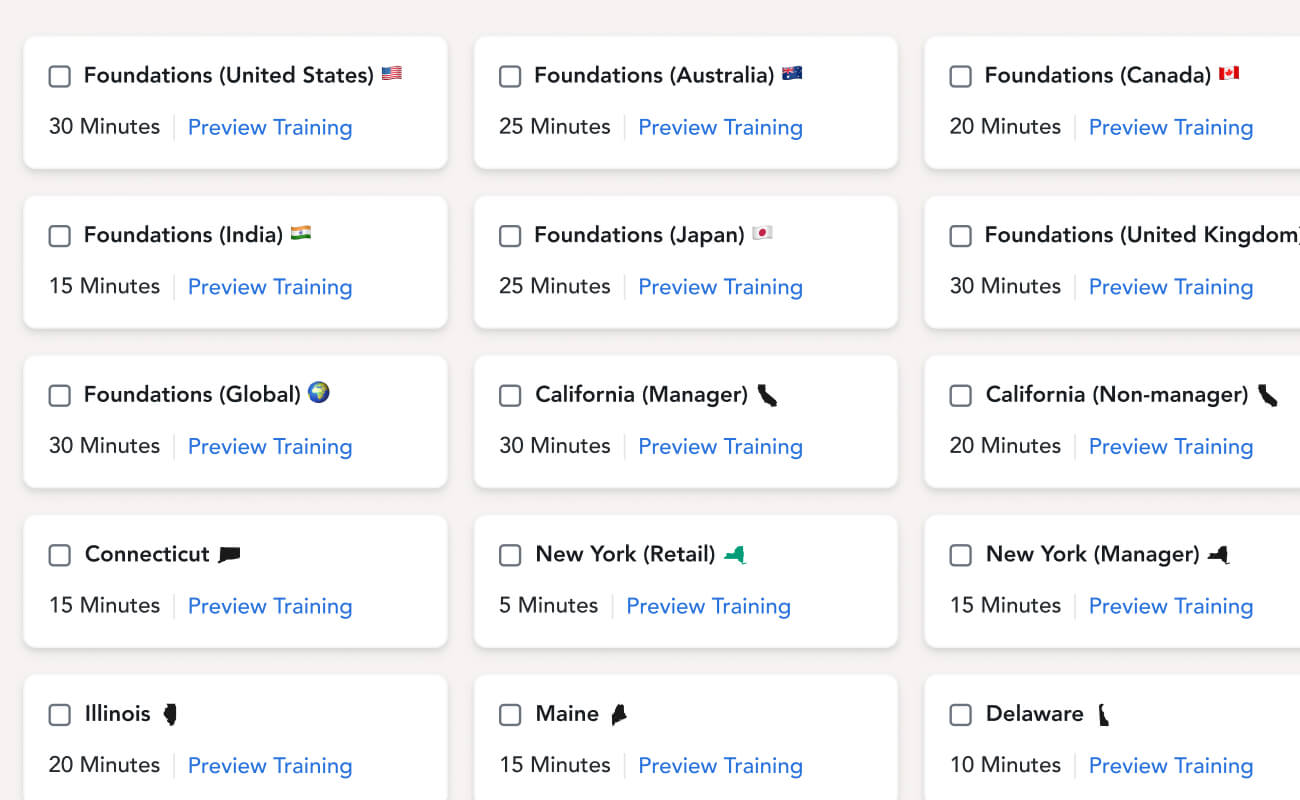
Localized content
200+ modular courses meet local, state, and country legal requirements, with fast and free translations available in dozens of languages.
See courses