 California
 New York
 Illinois
 Connecticut
 Maine
Maine Delaware
Your training should not sound like it was written for someone else’s workforce. Maybe you need a scenario that reflects the realities of your industry, an example that uses your internal terminology, or a slide that references your actual policy language. With AI Redlining, you can tailor any Ethena off-the-shelf course to match your tone, culture, and requirements quickly, accurately, and without rebuilding content from scratch.
Below, you can watch a quick walkthrough of how AI Redlining helps you adapt Ethena’s training to feel unmistakably yours.
How AI Redlining Works
1. Start with any Ethena module
Choose the course or slide you want to tailor, whether it’s Harassment Prevention, Code of Conduct, Cybersecurity Awareness, or any other module in your course training library (even training you’ve built yourself!). Every slide is editable and ready for customization so you can make off the shelf content feel like it was built specifically for your workforce.
How you can use it:
- Bring in your own insider trading policy language
- Add your reporting channels to harassment or misconduct slides
- Align conflict of interest examples with your vendor approval process
- Adjust a check on learning quiz scenario to one that is realistic or common to your employee population
2. Open the slide editor and use natural language prompts
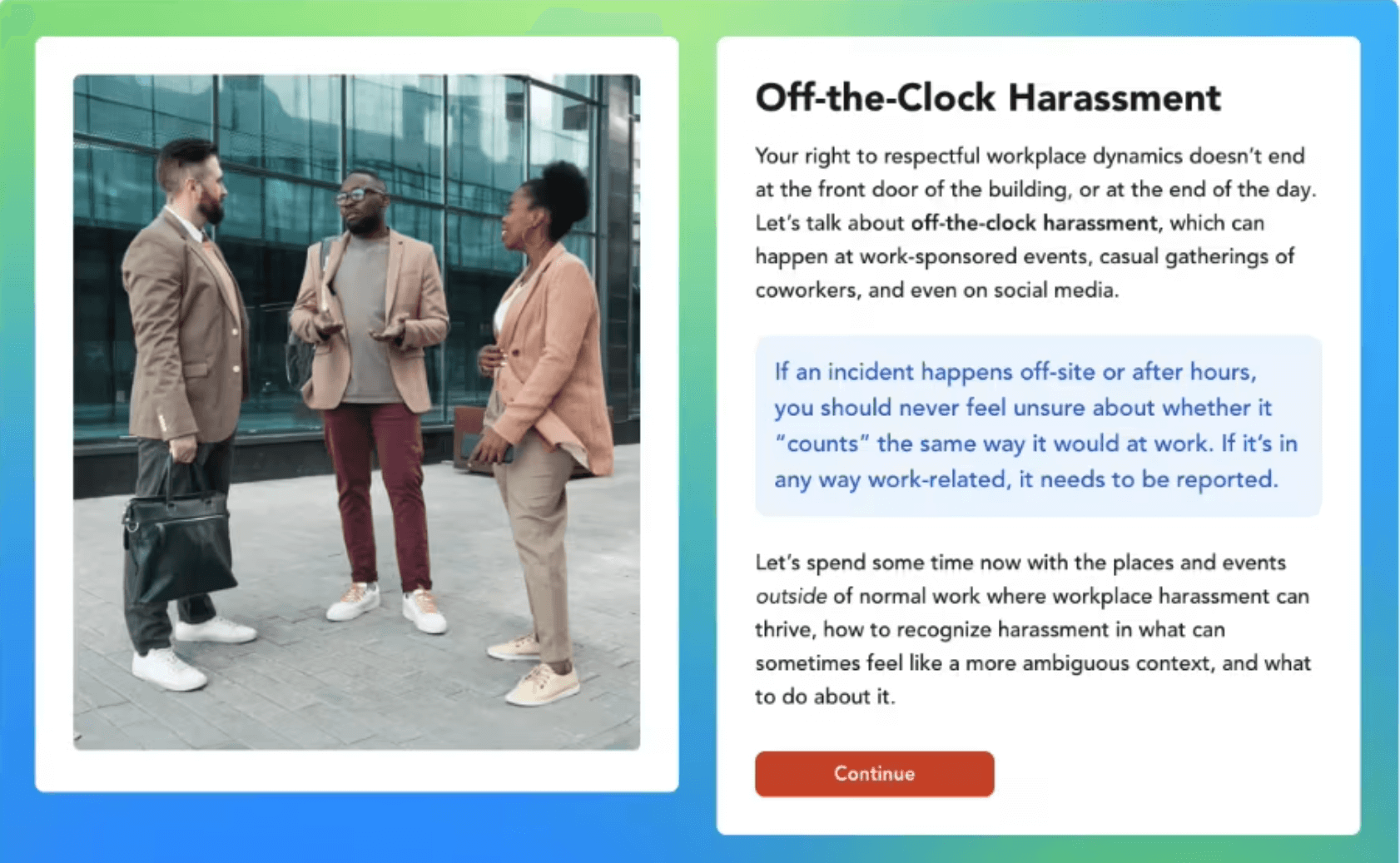
Click Edit full slide to open the prompt window. Paste in your policy language or describe the context you want reflected, and the AI will rewrite the slide accordingly, including updating images and examples to match your prompt.
How you can use it:
- “Tailor this insider trading slide to Unicorn Airlines using this policy excerpt”
- “Rewrite this bribery scenario for a construction jobsite”
- “Update this slide to reflect our no public WiFi rule”
- “Make this example about handling patient data in a healthcare setting”
Ethena Pro Tip: Need help with a blank page? Our AI training builder can have you redline-ready in minutes!
3. Tweak visuals or text with simple edits
After the AI makes initial updates, you can fine tune anything, swap images, adjust tone, add clarifications, or incorporate additional policy details. No docs or external editing needed. Simply make edits right inside the training slide in Ethena itself.
How you can use it:
- Replace an office photo with one of your retail storefronts
- Add a detail about security badge access that is unique to your facilities
- Swap a generic illustration for someone in PPE
- Insert a link to your internal whistleblower hotline
4. Update check on learning questions with AI Assist
Paste in your own scenario or guidance, and the AI will adapt the question. It will rewrite the scenario, question, and answers (including plausible incorrect answers) to match your organizational context while preserving accuracy and clarity.
How you can use it:
- Create check on learning quiz questions specific to warehouse workers
- Adapt cybersecurity quizzes for fully remote teams
- Turn real customer service conflicts into ethics scenarios
- Customize a safety question for field technicians or drivers
5. Apply and publish your updates
Once everything reflects your policies, language, and environment, click Apply changes and save the slide. Training stays aligned with your organization, even as policies evolve.
How you can use it:
- Publish Code of Conduct training that truly matches your brand and policies
- Tailor harassment training with scenarios from your actual workplace
- Deliver region specific examples for global teams
- Keep up with your newest policy updates without recreating entire courses
6. Use your customized course anywhere, including your own LMS
Once you have tailored a course to reflect your policies, scenarios, and tone, that version is yours to use wherever you deliver training. You can export it as a SCORM package and upload it directly into your LMS, with all edits, scenarios, images, and assessments intact. This way you can customize training exactly how you want in Ethena, but still deploy in the LMS your organization uses.
How you can use it:
- Build a customized Code of Conduct course once, then deploy it across regions via your corporate LMS
- Tailor harassment or ethics training to match your policies and branding, then distribute it through your internal learning platform
- Maintain a single, approved version of training content while meeting enterprise LMS requirements
Whether you deliver training through Ethena or your own LMS, AI Redlining helps ensure your courses stay accurate, consistent, and unmistakably yours.
Give your training the voice it deserves
AI Redlining brings speed, accuracy, and flexibility to your customization workflow so your team spends less time rewriting slides and more time keeping employees aligned, informed, and engaged.
Ready to make every course feel like it was built just for you?